
DataGroomr Live Dedupe enables continuous duplicate detection in Salesforce. When enabled, DataGroomr monitors record activity in real time and evaluates changes against your configured matching models. This allows potential duplicates to be identified immediately and handled automatically or through user review.
Live Dedupe can also leverage AI recommendations, automatic merging, and Salesforce Flow automation to streamline duplicate management and reduce manual cleanup.
This article explains how Live Dedupe works and how to configure the available automation options.
To enable real-time duplicate detection, AI recommendations, and automatic merging, edit settings of the desired dataset and enable the Live duplicate detection switch from the Live Dedupe tab. Live Dedupe can be enabled on both standard single-object datasets and cross-object datasets.
When Live Dedupe is enabled, a teal LIVE pill appears next to the dataset name in the page header. Clicking it opens the dataset settings on the Live Dedupe tab.
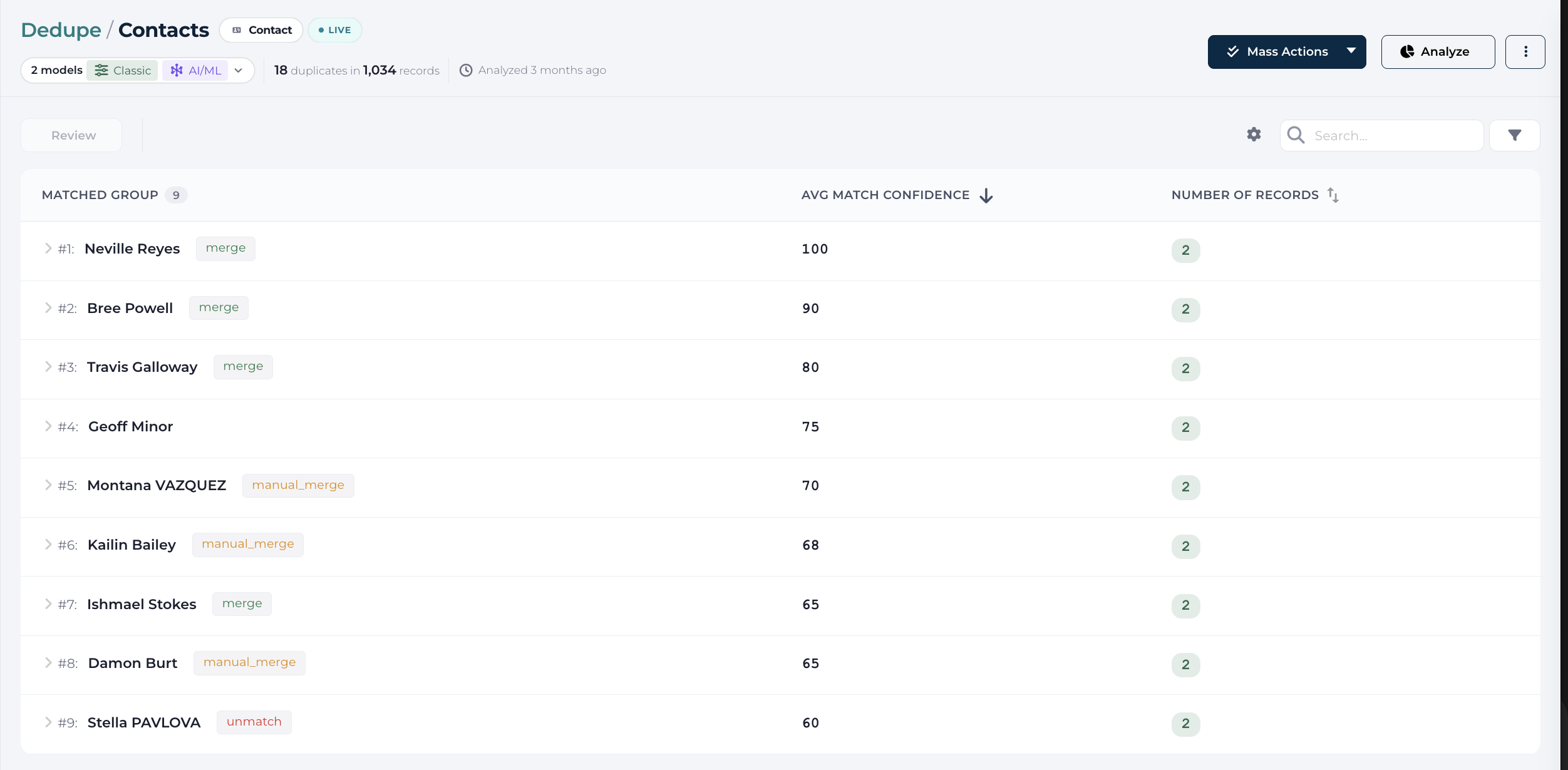
When Live Dedupe is enabled:
DataGroomr continuously monitors record changes (create, update, delete, undelete).
It runs incrementally by default, scanning only new or modified records for faster results.
Full dataset analysis remains available when required.
Custom transformations can be applied before matching for improved accuracy.
Analysis events display the model(s) used and confidence levels for each result.
Works on both standard single-object datasets and cross-object datasets.
The Get AI Recommendations toggle activates DataGroomr's AI to automatically tag potential duplicates in real time. AI-labeled duplicates appear as tags allowing quick review and merge actions or these tags
can be in the Aut- merge criteria.
Auto Merge
Automatically merge records that meet or exceed the defined match confidence threshold.
Trigger Salesforce Flow
Initiate selected Salesforce flow when new duplicates are identified, for instance, to alert the user about the detection of new duplicates via email or Slack. The flow selector is available on both single-object and cross-object datasets, so downstream automation can run for cross-object duplicates in the same way.

The DataGroomr provides a flow template as part of the DataGroomr AppExchange app that can serve as a template for the required flow. To set it up you need to :
- follow article above to install the managed package
- navigate to Salesforce - Setup - Flows page and add new flow using DataGroomr template:
- add any adjustments if needed