
Yes, the same import file can be used to create (or identify an existing) account record and then create a Contact record or identify an existing record, and then associate it with the Acoount.
To do this you must have needed values from two objects (Accounts and Contacts) in the same CSV.
Step1 - Account Match:
In Importr module select the Upload > From CSV file.

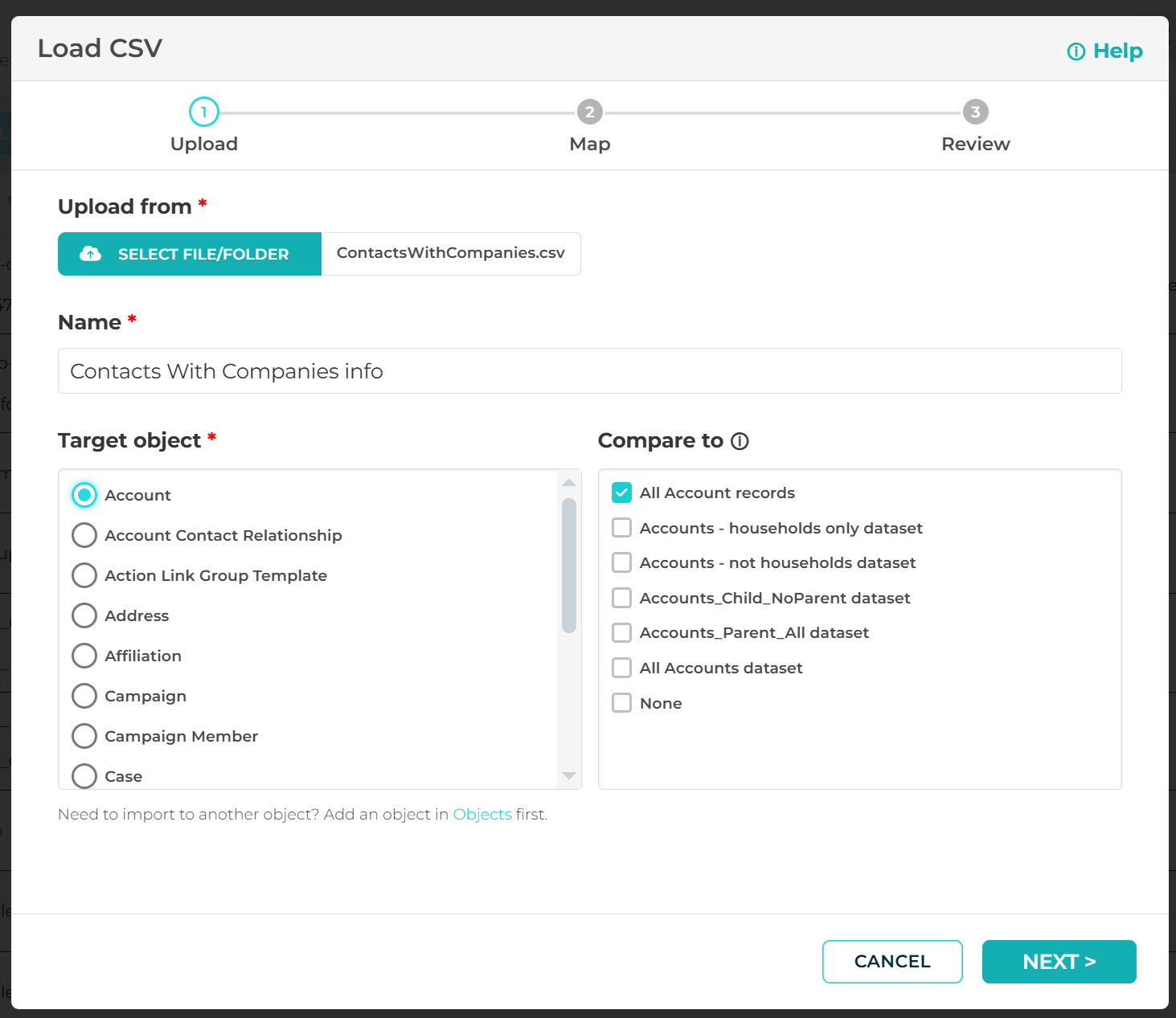
In the Import wizard, select the CSV file and choose Accounts object in the Target object and the Compare to sections:
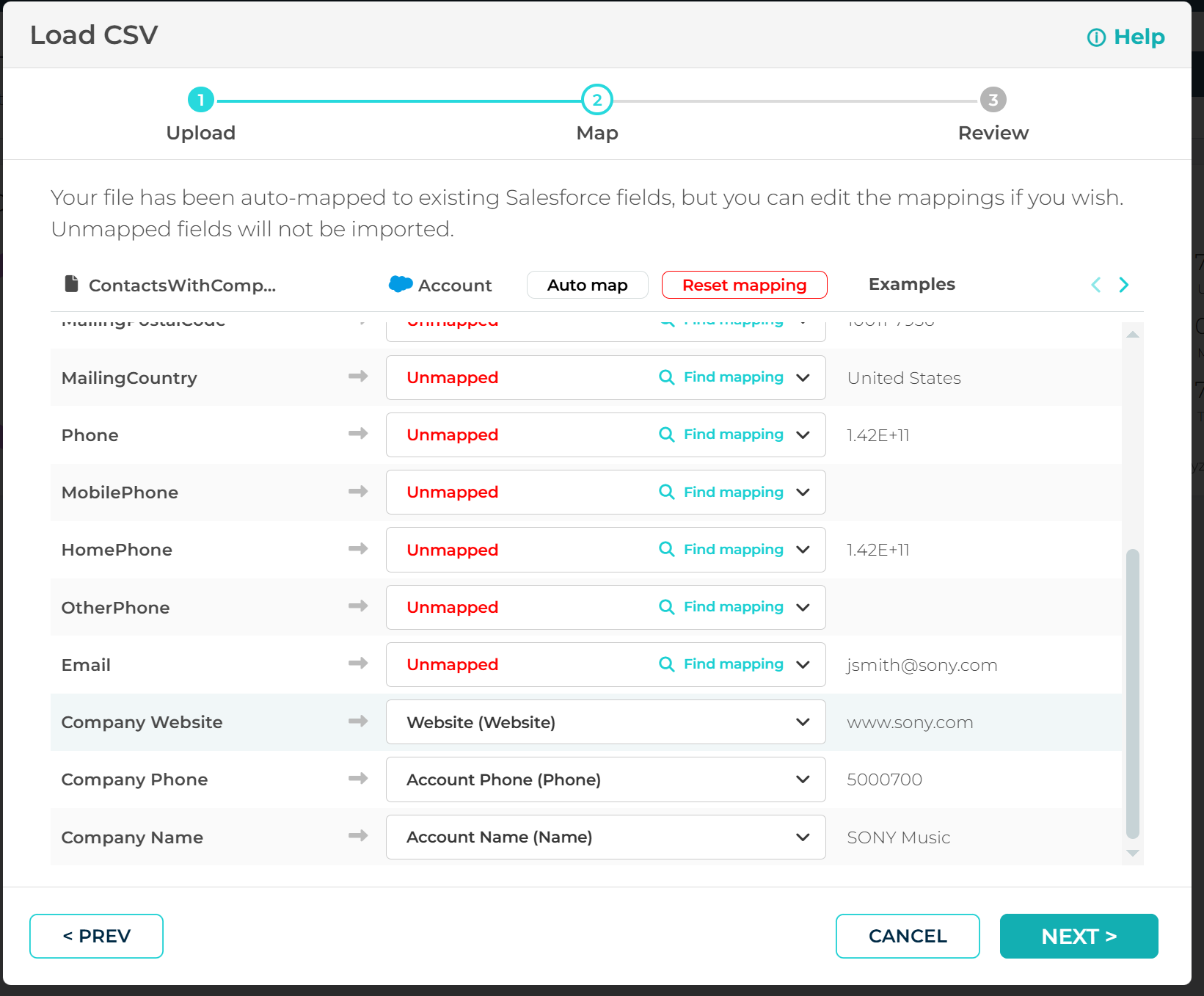
Continue mapping CSV columns and map only fields that belong to Accounts object, leave Contacts fields unmapped:
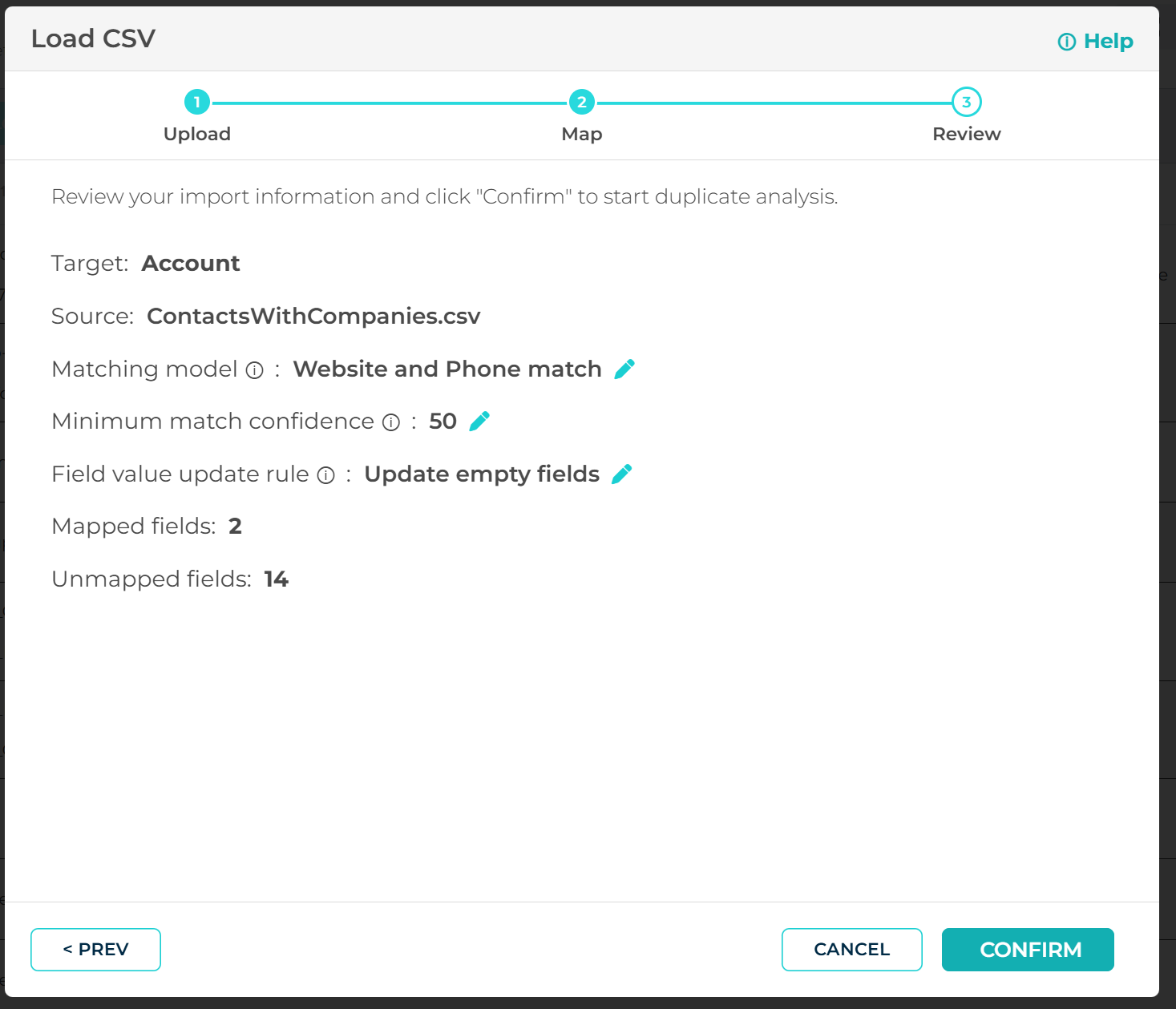
Use the matching model that will allow you to match Accounts based on fields you have in the CSV (on the example below we use Account Name, Website and Account Phone) and hit Confirm:
Once the dataset analysis is finished, existing accounts will be matched, while unmatched accounts will appear in the Unmatched records section:
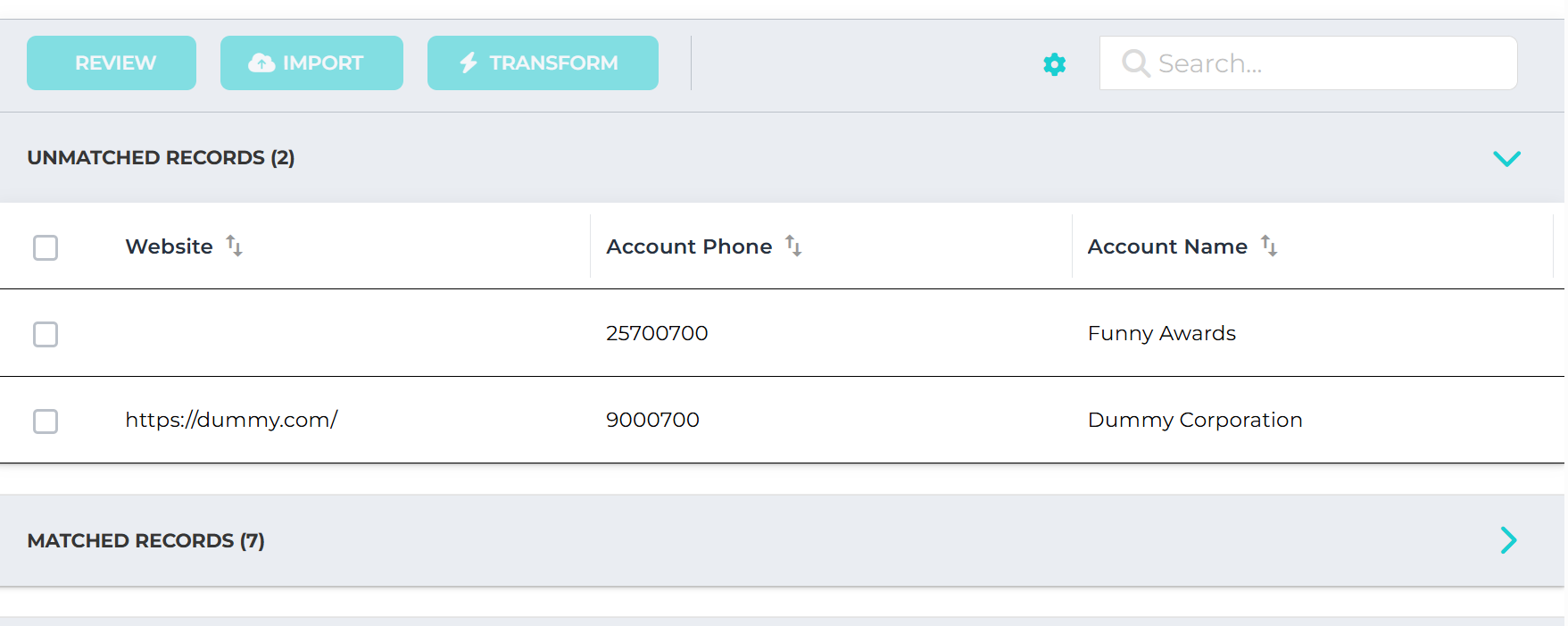 Use Mass Import to load not-existing accounts into Salesforce. After this step all missed Accounts will be created in Salesforce:
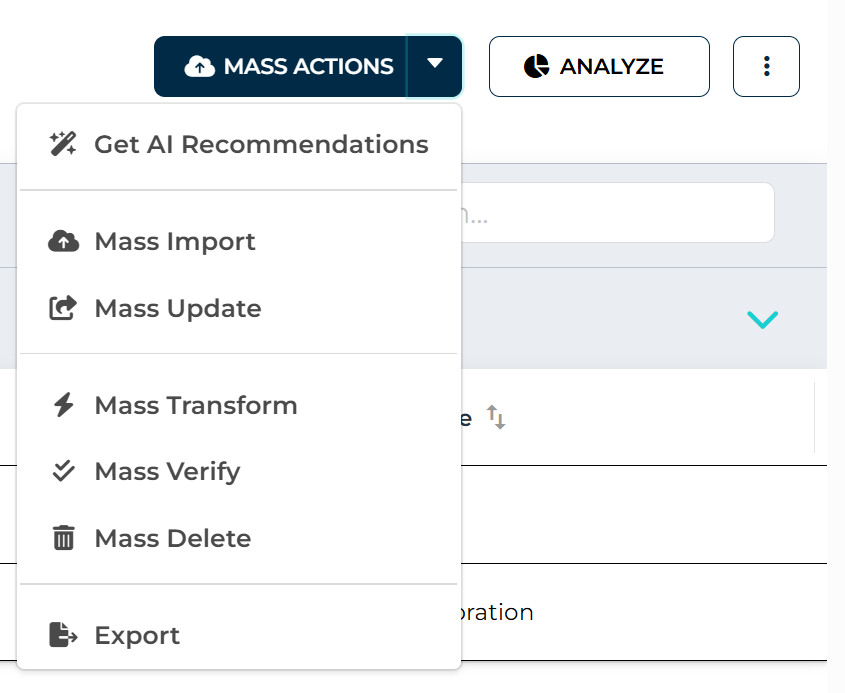
Once it is completed, choose Export:
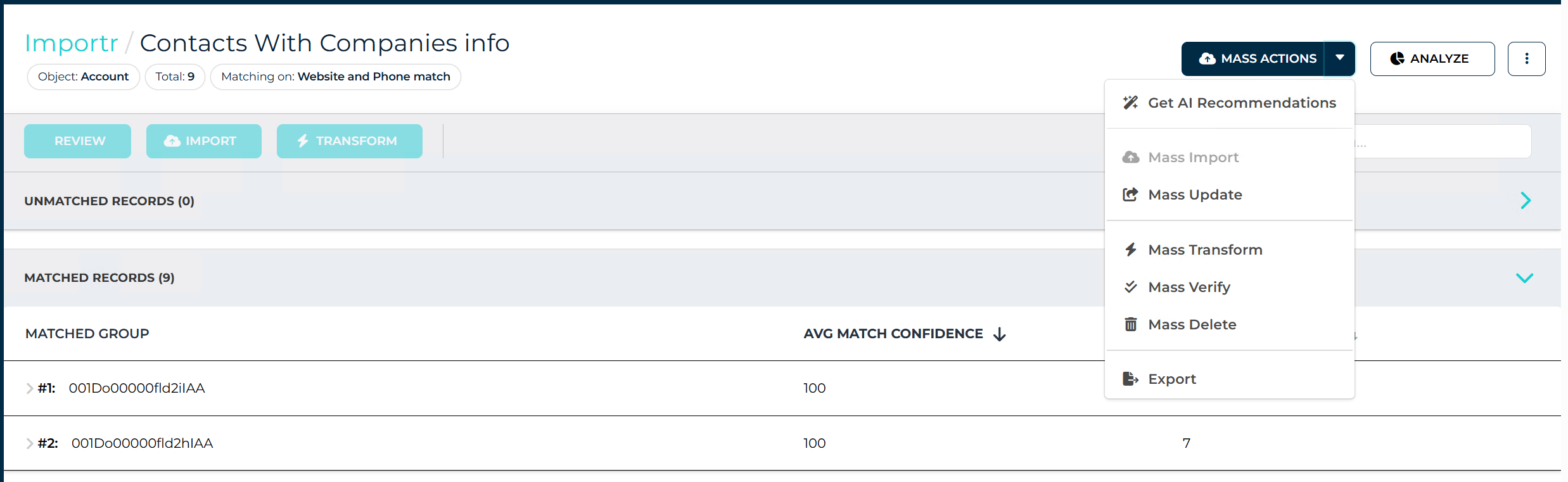
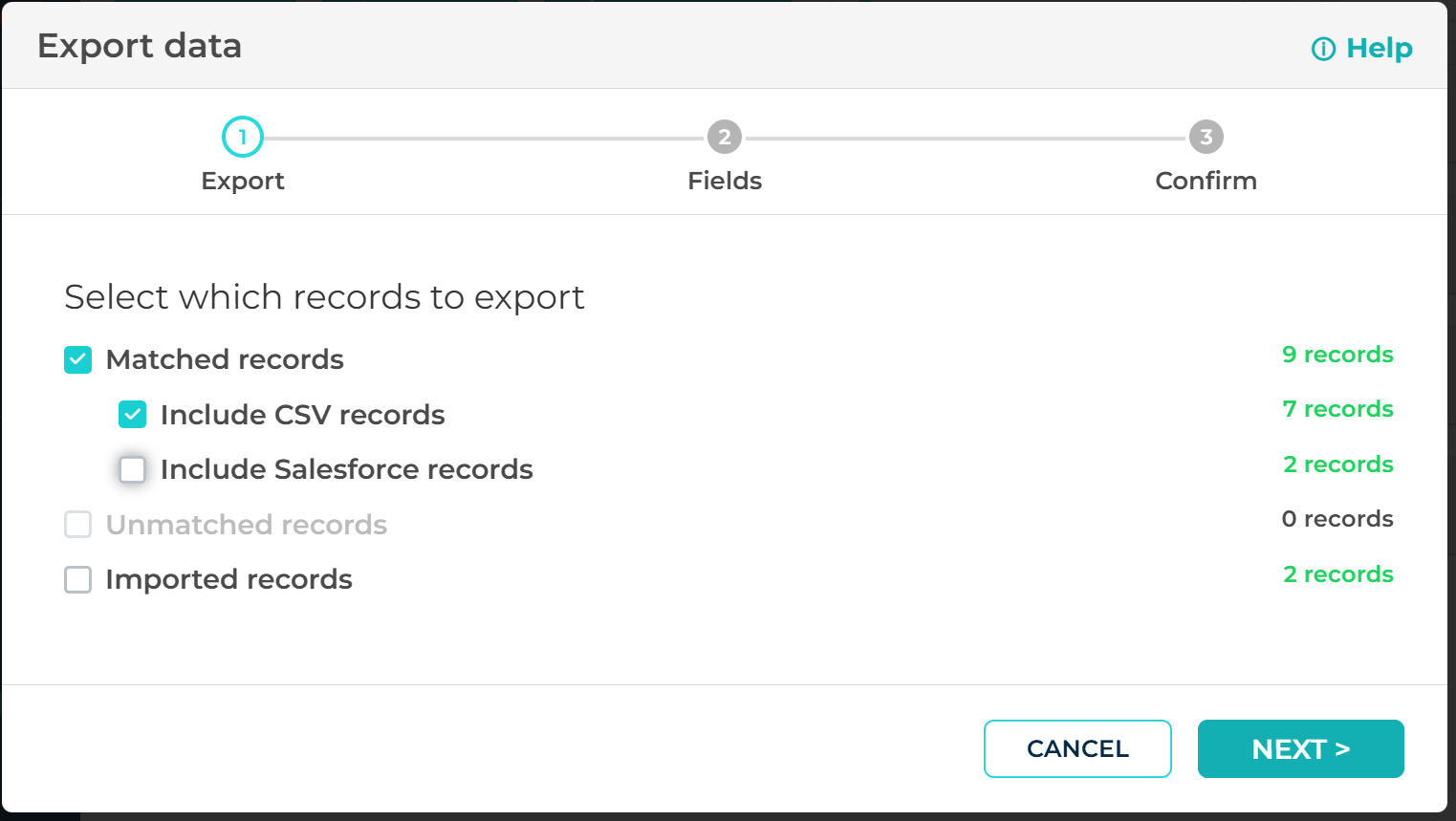
Verify that you included Matched records and click "Next":
Verify that you choose Displayed fields and complete the Export:

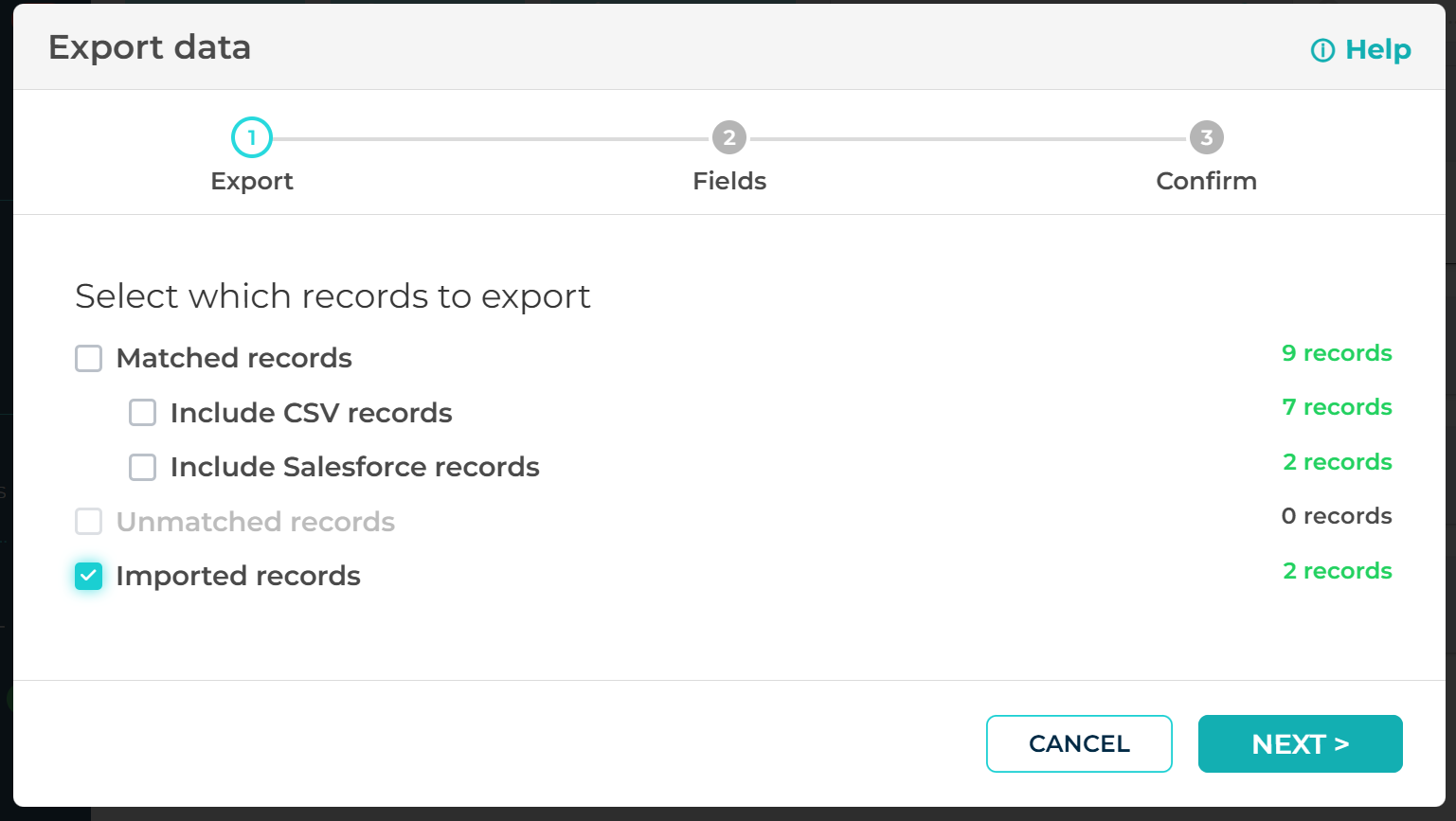
Now export Imported records similar to previous step:
Step2 - Contacts Match:
In Importr section create one more dataset via CSV file option but this time use recently exported CSV with matched records in it (instead of your initial CSV) and compare to Contacts object:
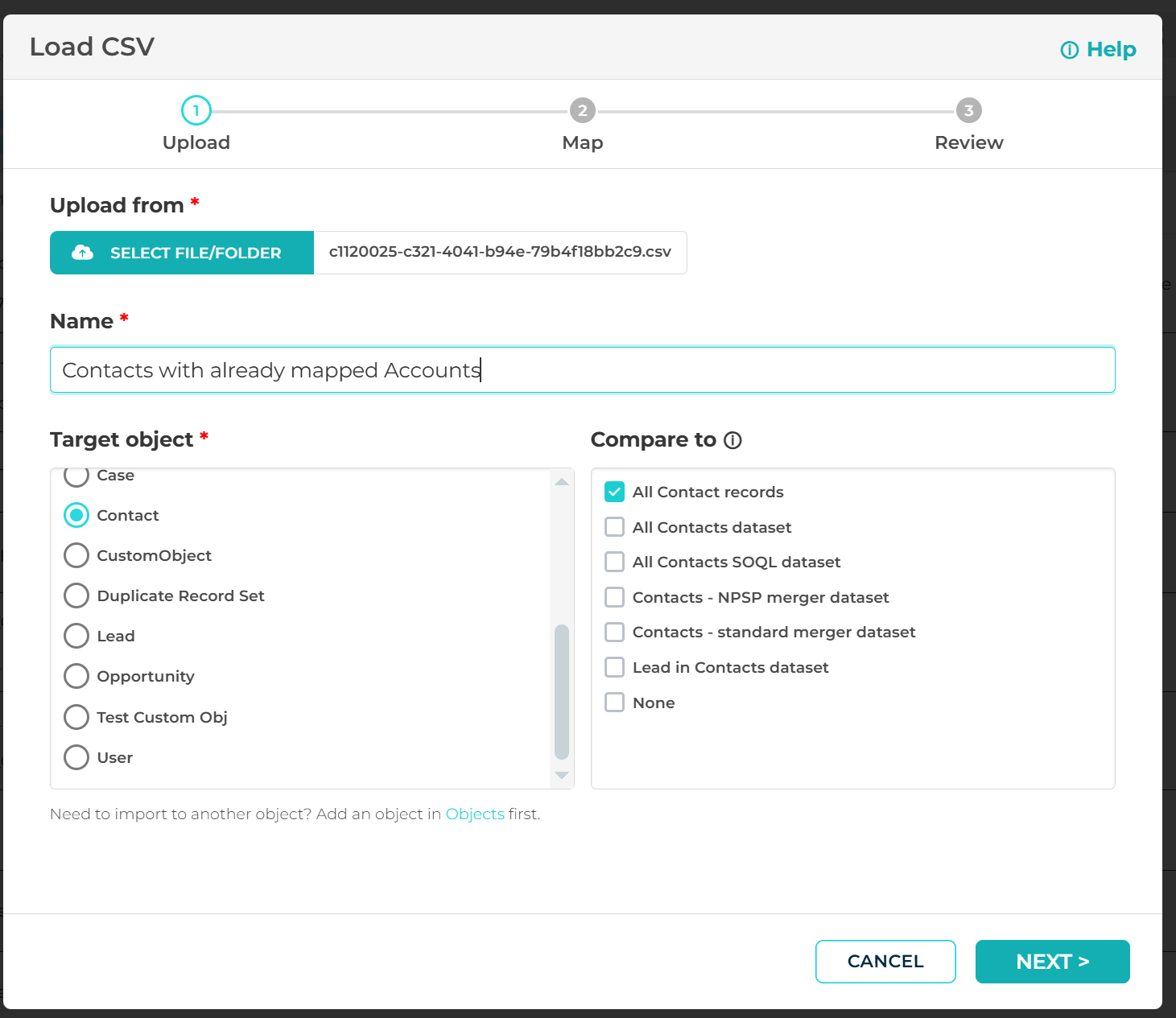
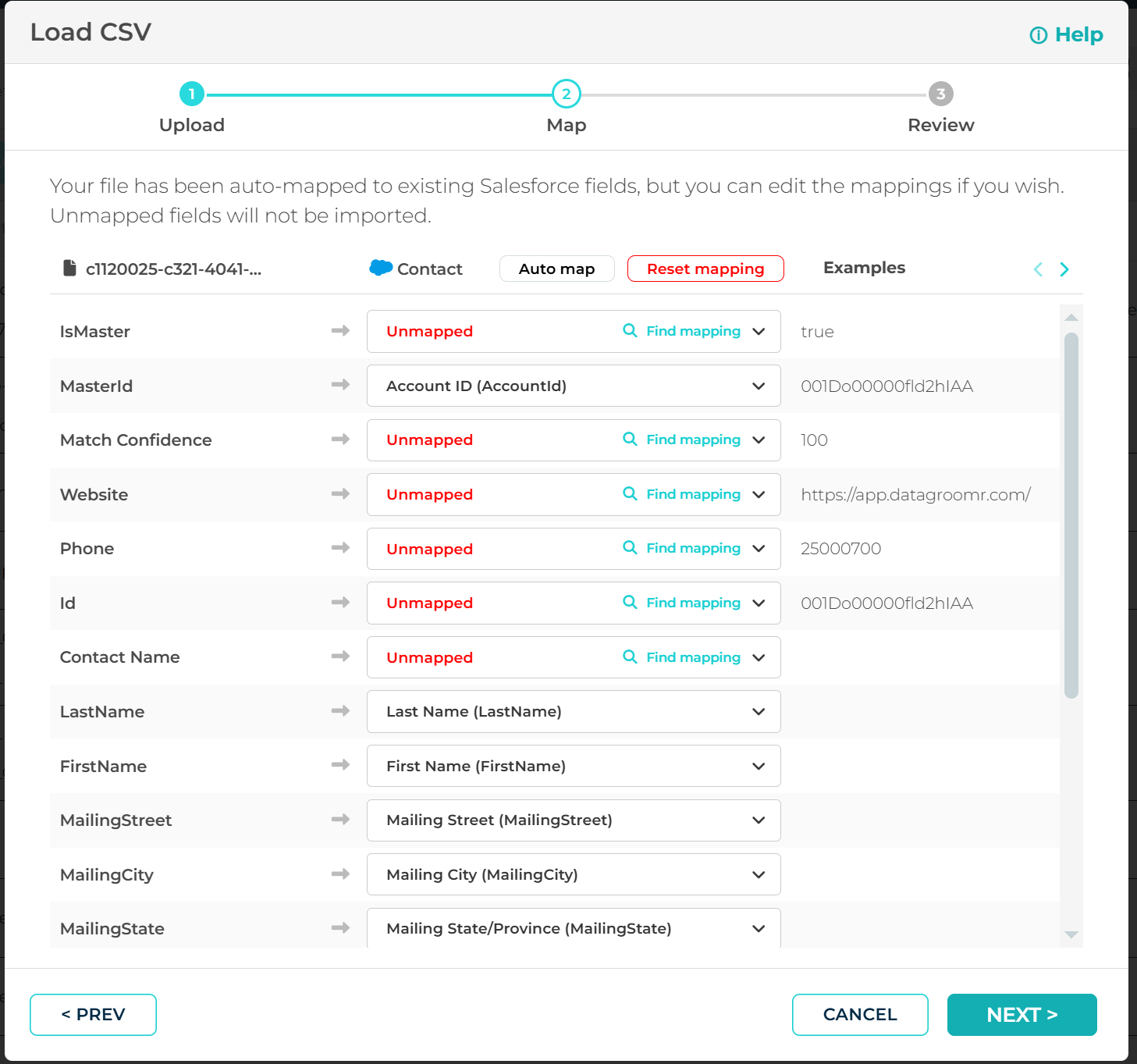
This time map all fields (from your initial CSV) to Contacts field and MasterID field to AccountID field, leave Accounts fields not mapped:
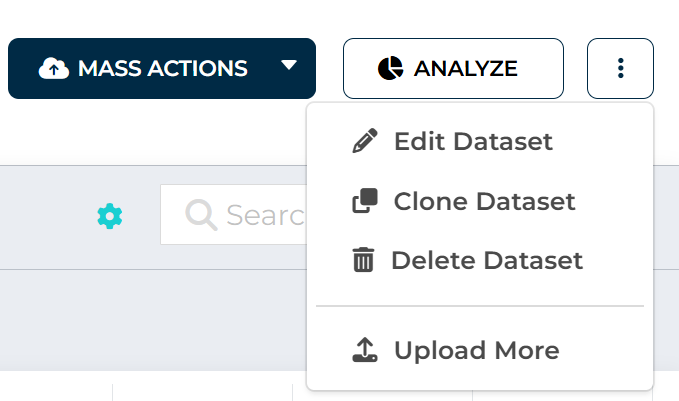
Complete the dataset creation process and click Upload More option:
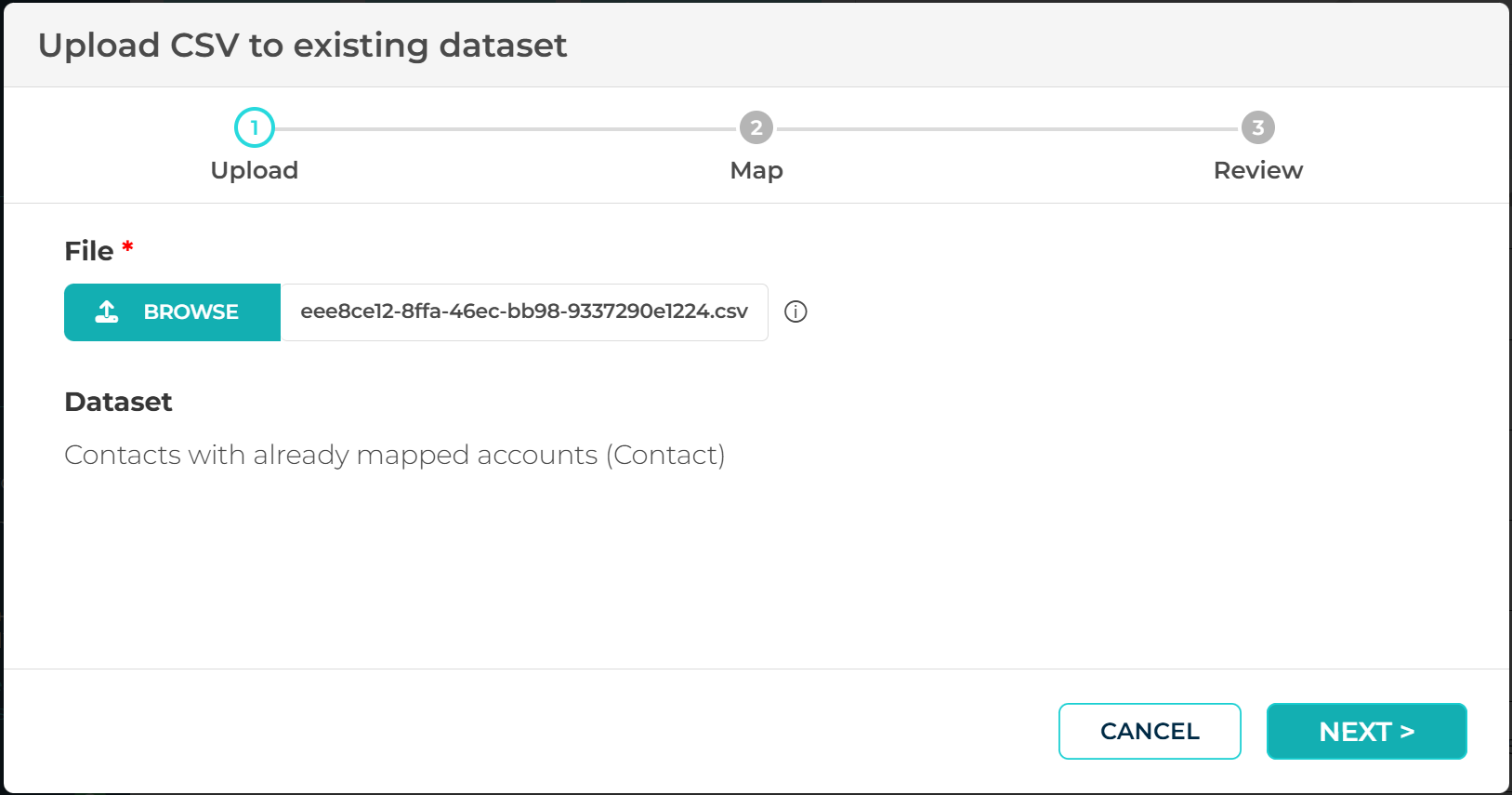
Choose previously exported CSV file with Imported records inside:
Now you are able to compare your CSV to Contacts with already associated accounts that you can use further to update existing contacts or import new contacts as needed.