
By default, all datasets are automatically organized into folders based on their object type. For example, if you have multiple Account datasets, they will automatically be grouped under the Accounts folder.
In addition, organizing your datasets into folders can help you keep related data together, streamline cleanup projects, and simplify navigation. The example below walks through the Dedupe panel, but the same process can be used in Cleanse and Transfer as well.
Creating Folders
A new folder can be created from the Create Dataset button (Data Source in Transfer).
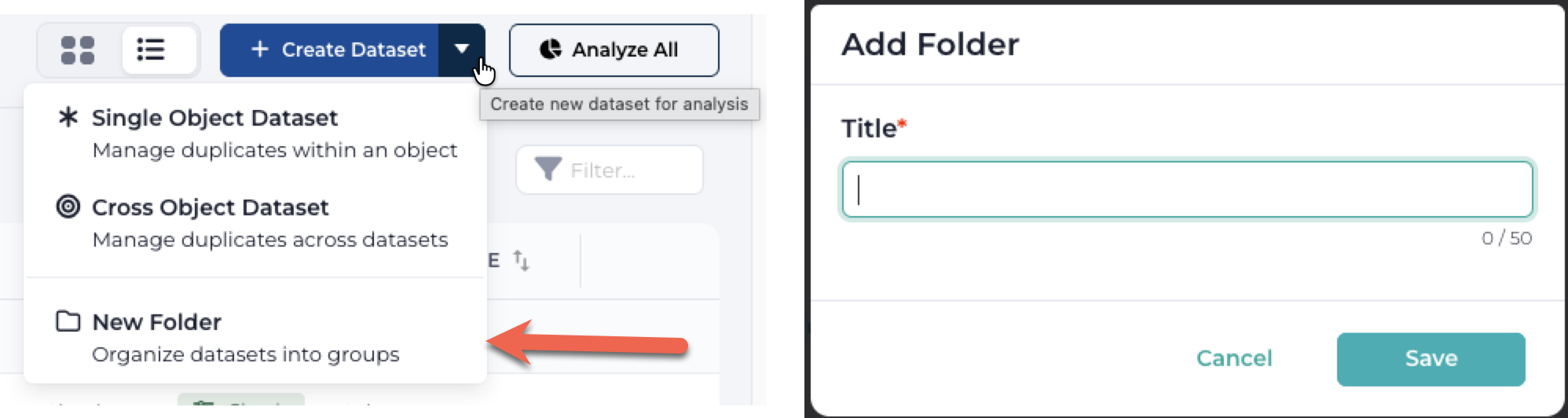
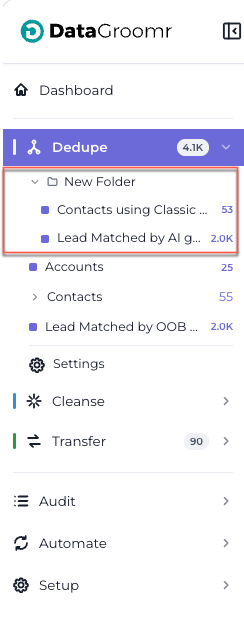
The newly created folder will appear in the navigation bar: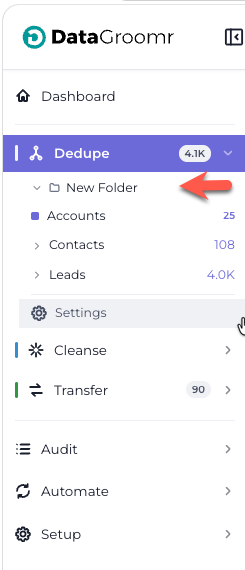
Card View or List View: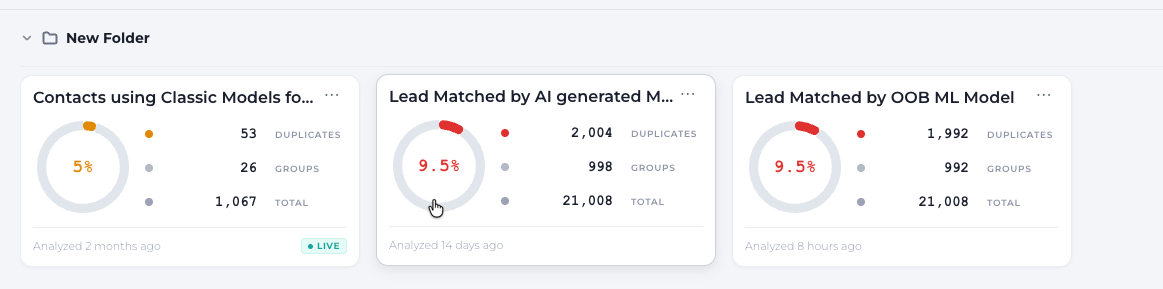
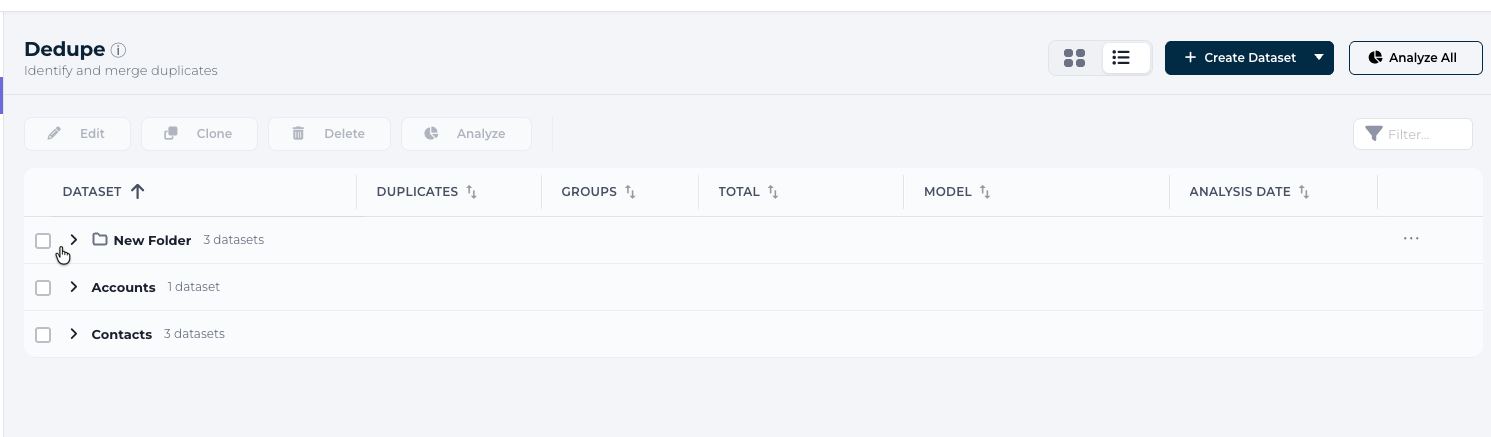
Add/Remove Datasets to/from the Folder
Drag and drop datasets directly into and out of folder. Once inside, they’ll be grouped together for easier management.
Best Practice:
- Use clear, action-oriented names (e.g. Donor Accounts, Weekly Cleenup, etc).
- Group datasets logically (by object type, campaign, or cleanup priority).
- Review folders regularly to keep your workspace tidy.