
There are two option for exporting activity logs in DataGroomr.
1) Users may export event logs using the EXPORT button at the top of the Audit window.
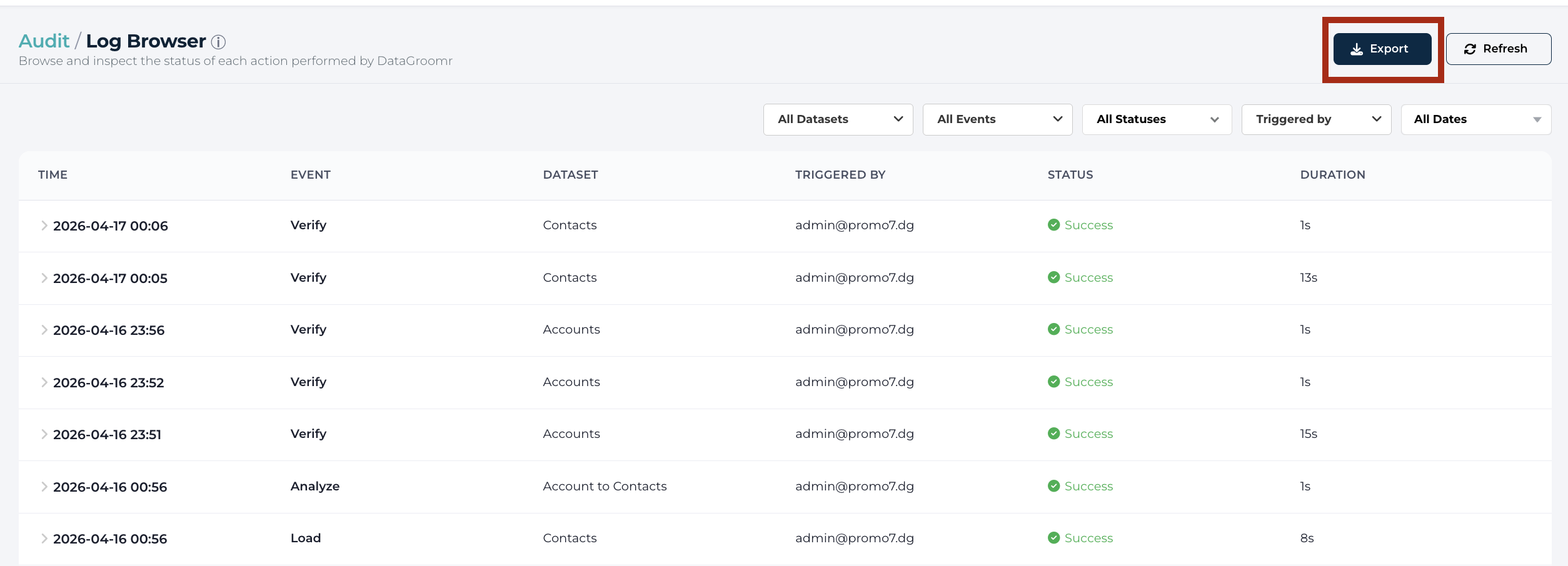
Note: The export will include all events shown in the list below. This list can be controlled using the filtering options in the gray bar.
2) User may export certain individual events (e.g. individual or mass merge) using the provided EXPORT button inside the event.
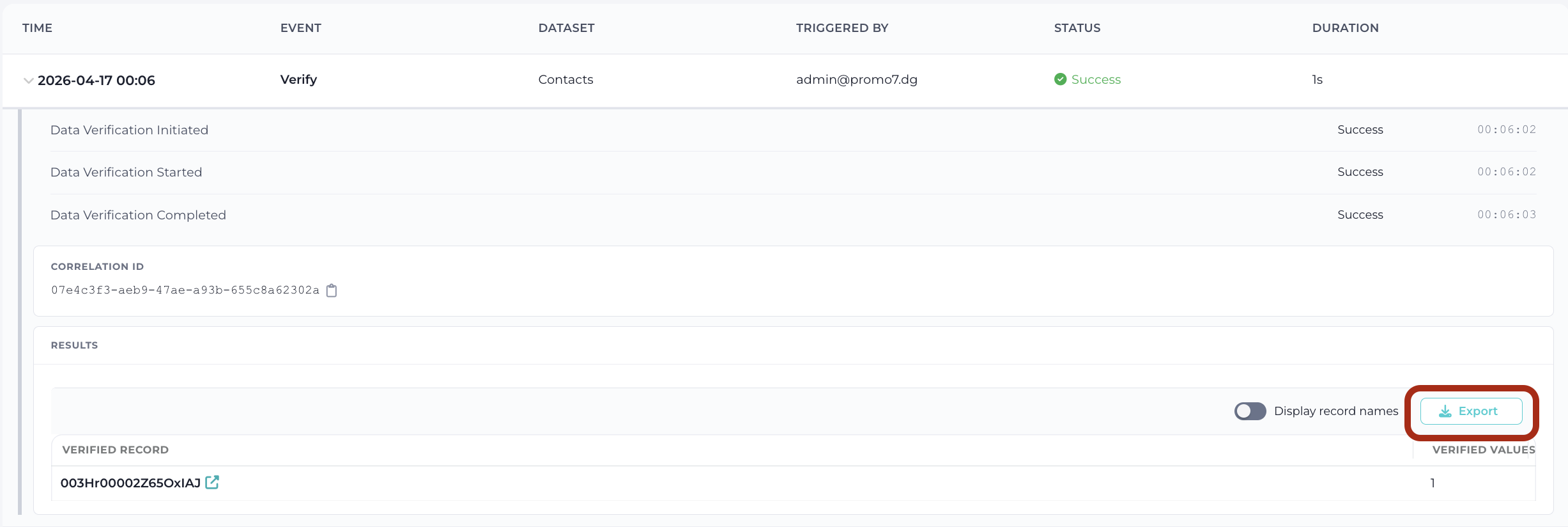
For individual merge and restore events, the exported CSV also includes the related records information — the list of related records that were re-parented or restored as part of the operation.