
As part of any email verification, Cleanse automatically searches for alternative email addresses when an existing email is invalid. This is done using a discovery process that leverages record context. If an alternative valid email is discovered it will be offered as a suggestion. DataGroomr also learns common email formats per domain, improving accuracy of both verification and suggested corrections.
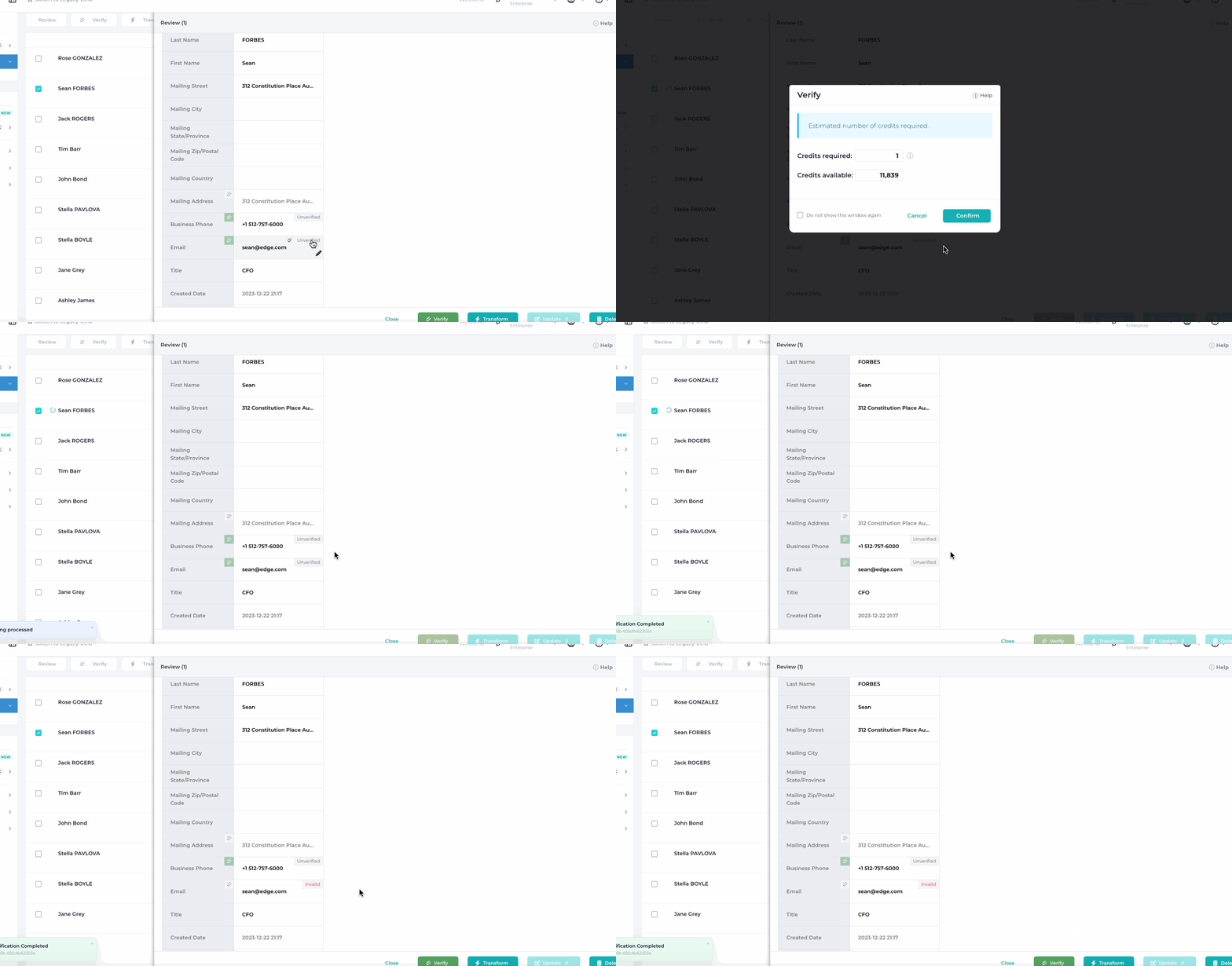
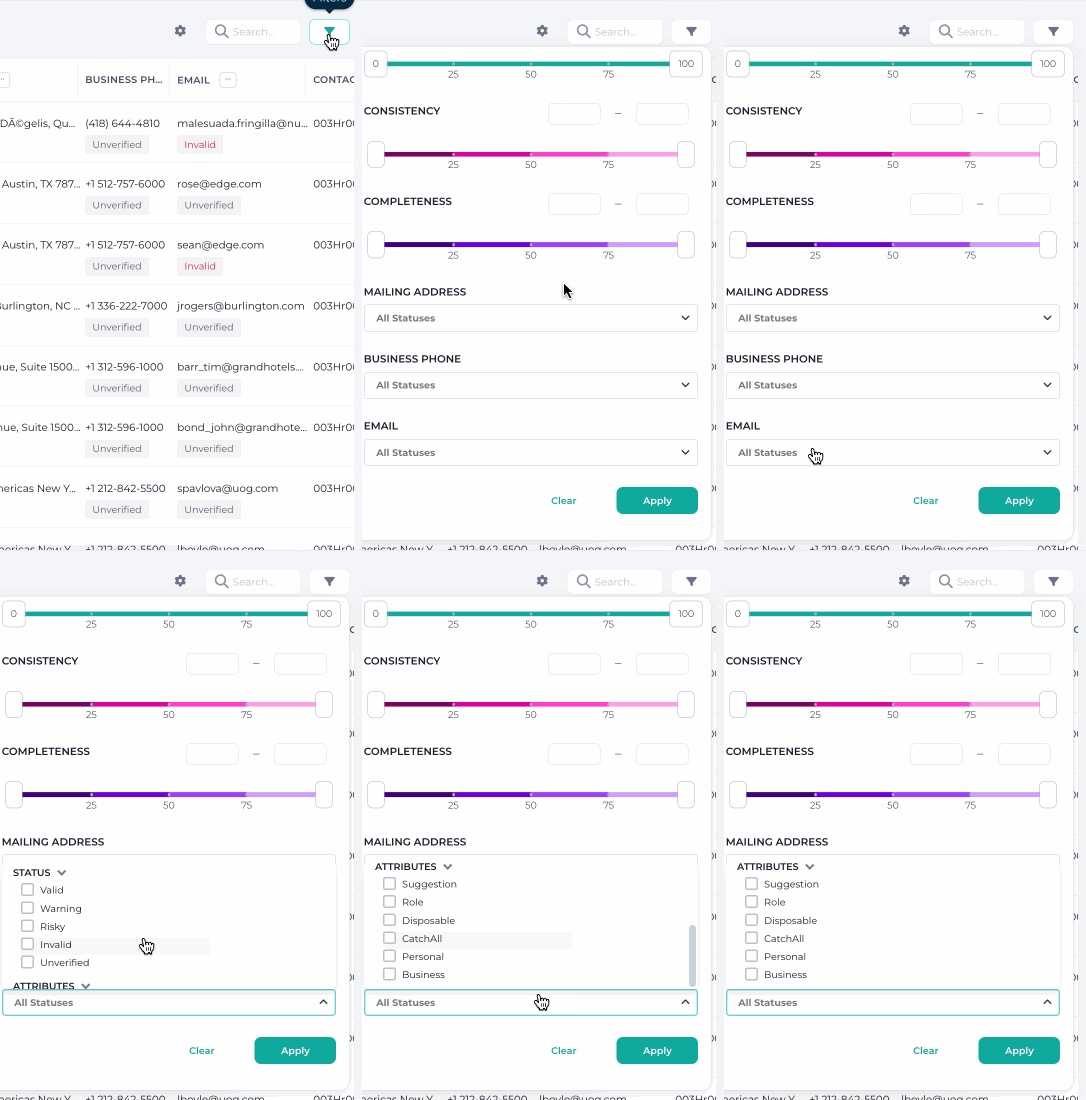
You can also filter all your records in a Cleanse Dataset to show only the ones with suggestions.
To review suggestions, click the Suggestion label on a record, or the Verify chip in the Pending changes bar above the grid. The Verified suggestions queue opens with the current and suggested values side by side. Switch on the fields you want to update and click Apply to write them to Salesforce and move to the next record, Skip to leave the suggestion pending, or Ignore to dismiss it.

Email suggestions now handle trailing spaces and punctuation consistently, ensuring corrections are applied even when formatting is inconsistent.