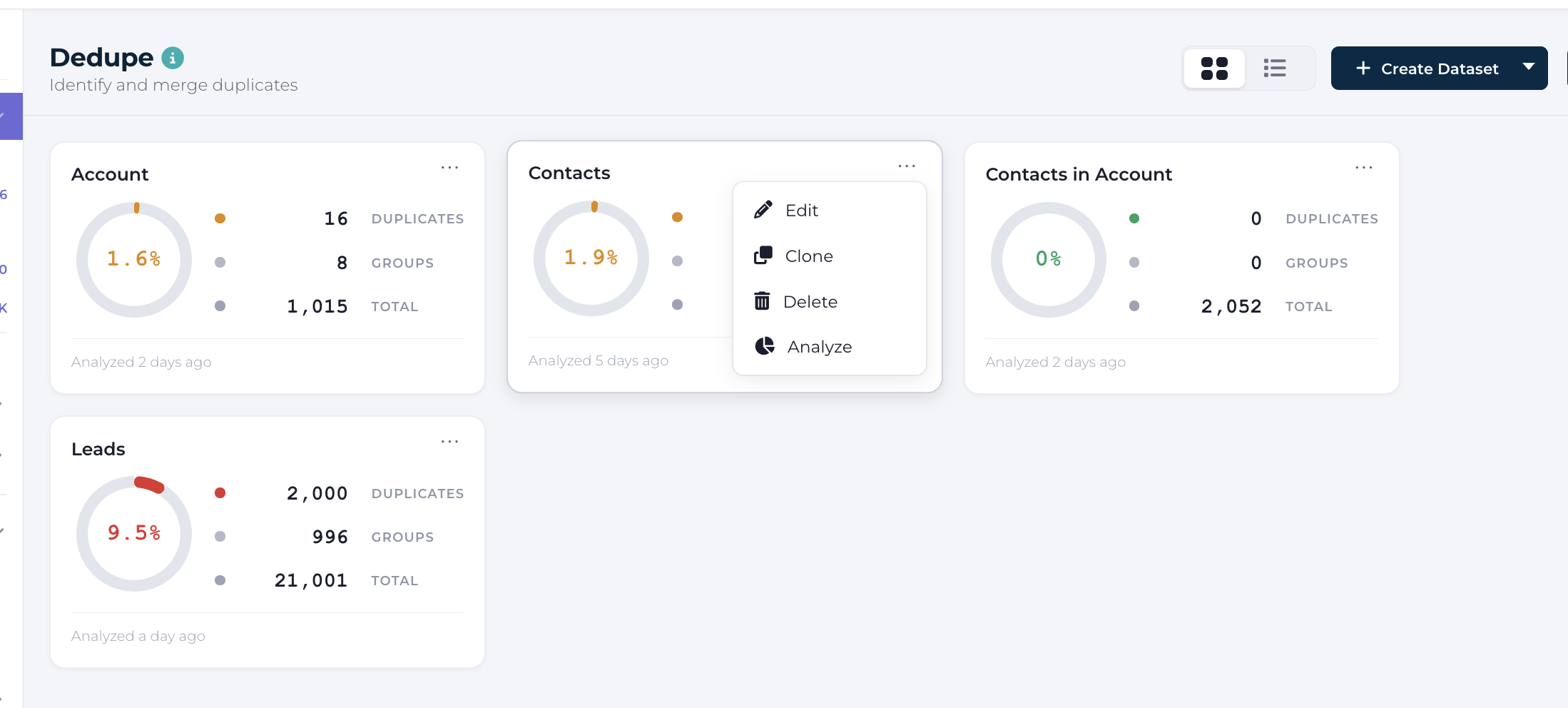
Any new datasets that you create are very similar to the standard ones created for you initially in Dedupe . Customers often need to create new datasets to segment data or compare deduplication analysis for different models.
Creating New Datasets
New datasets can be created from the Create Dataset menu: choose Single Object Dataset, Cross Object Dataset or Dataset from File. To upload duplicates you have already identified, choose Dataset from File; see Creating a Dataset from a File in Dedupe.

The Dataset dialogue consists of 6 tabs,You can learn more about configuring datasets by following this link. Once a dataset is created it will be displayed in its own tile on the Dedupe dashboard.
Editing/Removing/Cloning Datasets
To modify the configuration for an existing dataset, select Edit from the options menu. Clone will create a duplicate dataset with identical configuration to the existing one. To permanently remove a dataset, select the Delete option.