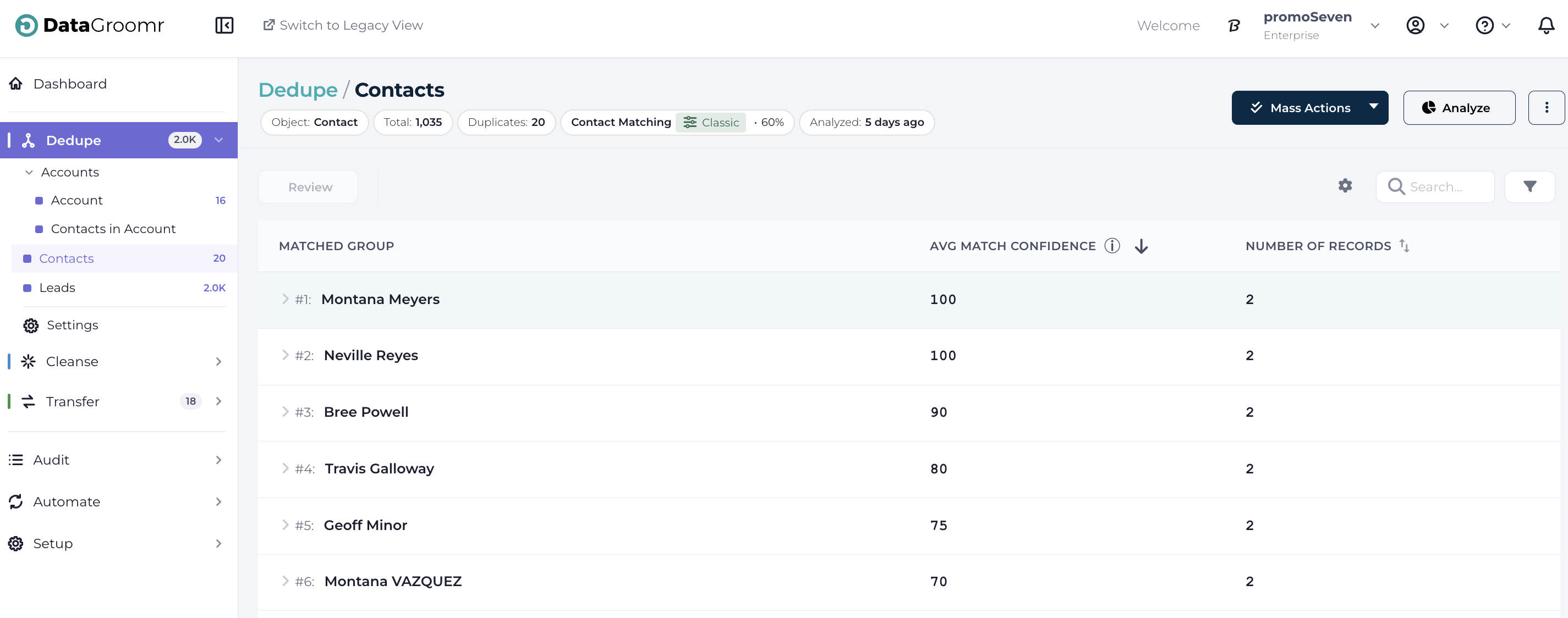
The first time you connect to DataGroomr, our algorithms will scan the objects you selected for duplicates.
GOOD TO KNOW: The duration of the first scan will depend on how many records and duplicates are found in your environment. You can check the screen or an email alert will be sent to you when the analysis has completed. Subsequent scans will be executed faster than this initial one.
When complete, you can view the current state of your Salesforce data in the Dedupe Dashboard:

GOOD TO KNOW: To re-run the analysis for the datasets, click the ANALZYE ALL button.
Clicking any of the tiles (or datasets), as shown in the screenshot above, will take you to a detailed list of duplicates and records for that dataset.
Alternatively, you can select a specific dataset from the Dedupe submenu on the left-hand side.